





The Best Ways to Use a Dual Monitor Setup with Your Laptop
Could you transform your laptop experience by attaching an additional screen? Yes, you can witness boosted productivity with a creative and streamlined workflow. But hang on! Simply relying on these two screens will not offer you the same benefits as organizing them in a strategy and using them efficiently would.
If the introduction just sparked your curiosity and you feel like buying a dual-monitor setup, consider treating yourself to Duex Max DS dual screen extender from Mobile Pixels. They have premium-quality dual monitors that won’t let you down. Having said this, let us guide you about the best ways to use a dual-monitor setup with your laptop.
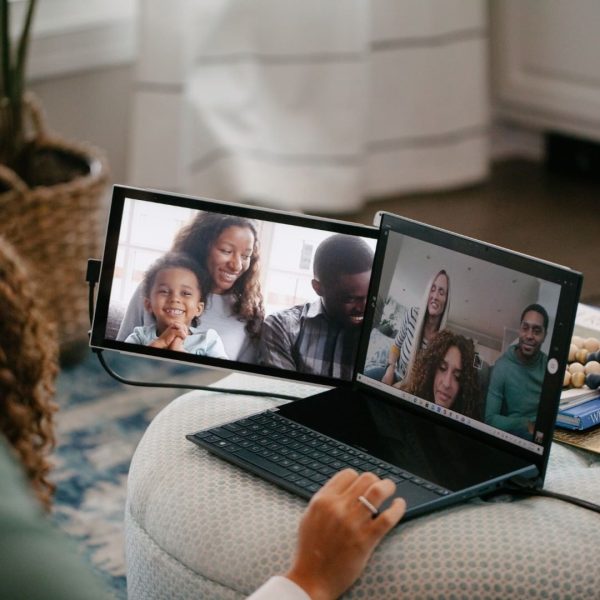
You can assign task zones in the following ways:
Laptop For Primary Work
Consider treating your laptop’s screen for primary work, meaning opening different software in the shape of design software, coding tools, or word processors that you will actively use for a particular project.
Secondary Monitor for Supporting Work
Once you are done arranging your first screen, then come to your secondary work. Here, you can use the additional screen to open your supporting applications. For instance, tools for communication and emals like Slack and Teams, materials for referencing from web browsers and PDFs, and tools for monitoring like system performance or project dashboards.
Streamline Research and Writing
Then, you can streamline your research and writing in the following ways:
One Screen For Research, The Other For Writing
A dual-setup monitor is a game changer, especially for writers and students. How? You can use one screen for research purposes, opening multiple sites, documents, and materials. The other can be used to write your application. As a result, you won’t find yourself switching windows and will be able to focus on your writing flow.
Compare Documents
With these two monitors, you can easily compare documents, files for coding, and spreadsheets side by side. This way, you can identify mistakes, edit, and continue your data analysis.
Boosted Creative Workflows
If you want to unleash your creative side, then these dual screens can also help you out in the following ways:
Reference Images and Tool Palettes
We understand that creative individuals must use lots of designing tools and review the client brief. Therefore, you can dedicate one screen to do all the primary work, such as editing and designing, and the other to read the client’s requirements. This way, you can pay attention to your work flawlessly while submitting it on time. And your workspace doesn’t get messed up, too.
Timeline and Preview
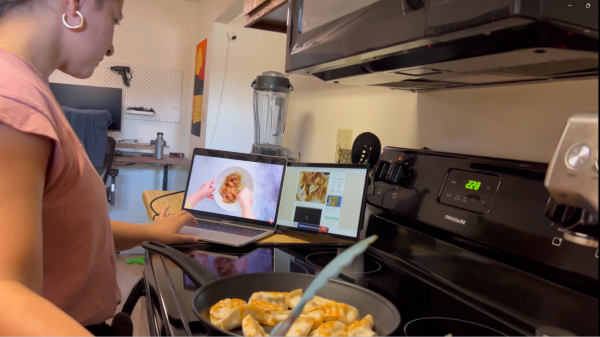
If you represent the video editing community, the laptop screen must disturb your work. Hence, arrange the dual setup so you can use one screen to extend your timeline and the other monitor to provide a more detailed and larger view, letting you do precise editing. Therefore, you complete your projects with the utmost efficiency.
Color Correction
As a photographer, your job is to edit and enhance millions of pictures daily, but the single-screen laptop makes it quite difficult. Hence, a dual-monitor screen can assist you in doing everything without leaving room for complaints. For instance, you can use one screen to view images and the other screen to use color correction tools. So, you will be using both, increasing your productivity and efficiency.
Conclusion
These are some of the best ways to use a dual monitor setup with your laptop. So, if you want to enjoy the same, then head to Mobile Pixels to get the one to experience a better workflow